Chatbot Subscribers
Scan Old Subscribers
In the Bot Dashboard page, select Audience from the left menu.
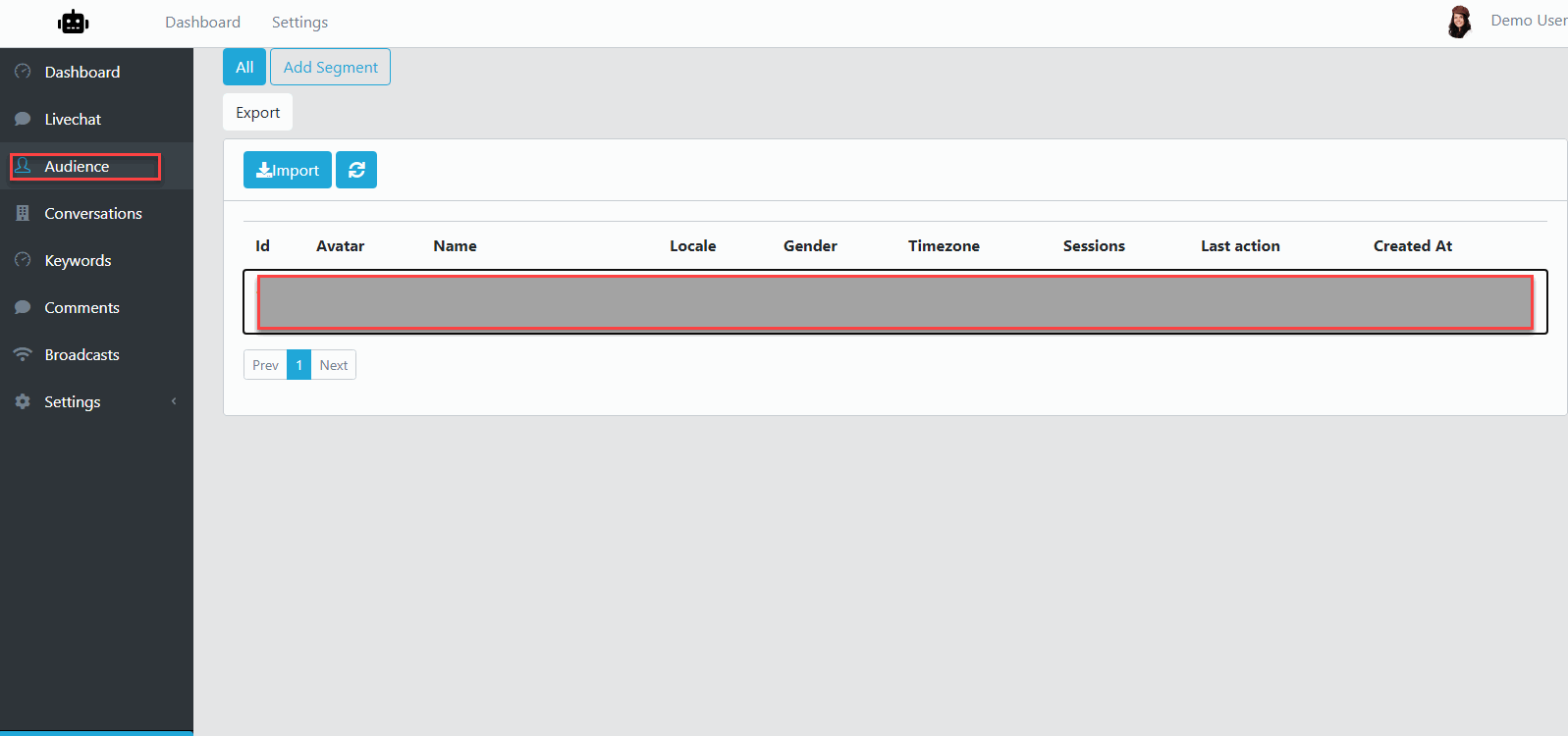
Next, click Import.

In the Import Dialog, if you have large amount of Subscribers, select Scan in Background. If not, select Scan Now.
For Scan Now, it will take minutes so the scanning completed
For Scan in Background, it will take some hours to completed.
Segment Subscribers
Still in the Audience page, click Add Segment.
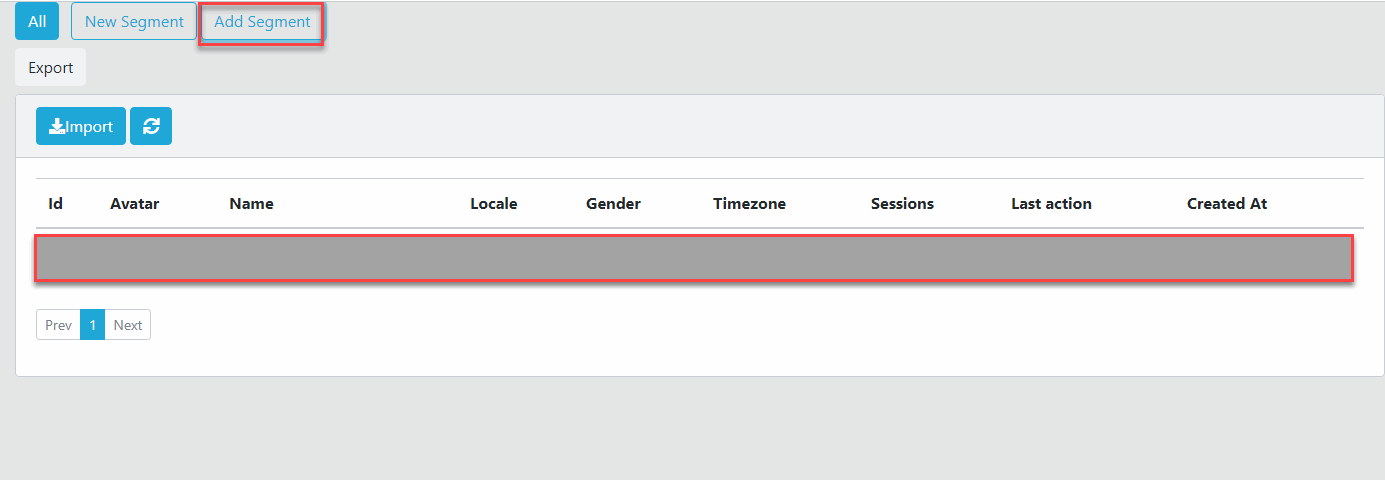
Click the created Segment to select.

Click Add Filter, then choose item from the dropdown.
Rename Segment Subscribers
Still in the Audience, select a Segment.
Click to the Segment name.

Enter new name for this segment then click Check button.
Remove Segment Subscribers
Still in the Audience, hover the segment.
There will have a Delete button display, just click this button to delete the Segment