Chatbot Sequence
Sequences are blocks of follow-up messages you can send after a certain period of time.
Note
Chatbot Sequence require Laravel Queue installed and running. If not, this feature won’t work.
Add a Sequence
Open a Bot Dashboard.
Click Conversations from the left menu.
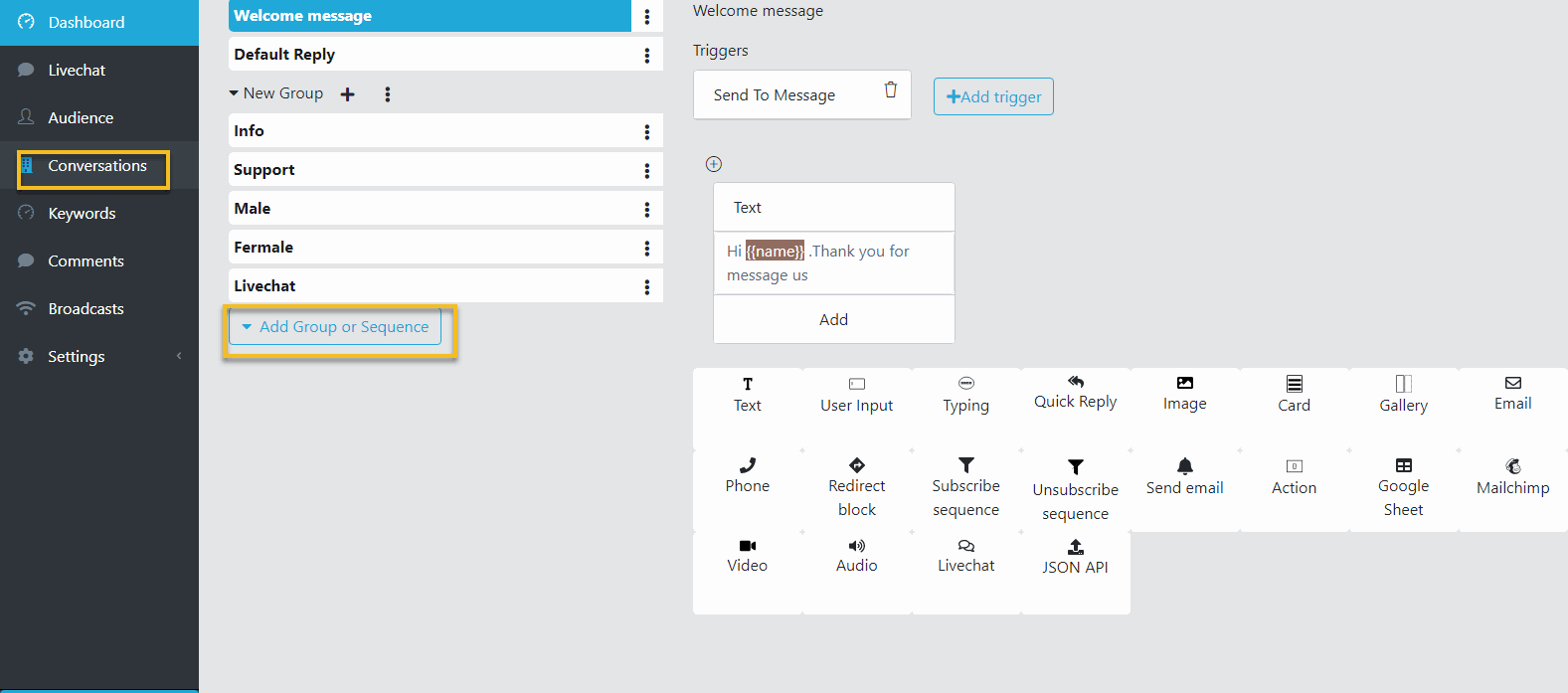
Click Add group or Sequence button. Select Add Group.
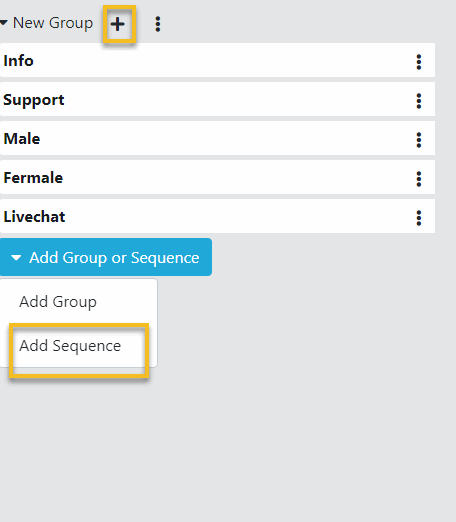
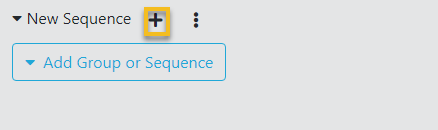
A new Sequence is added, click the plus button to a Sequence Block to this Sequence.
Remove a Sequence
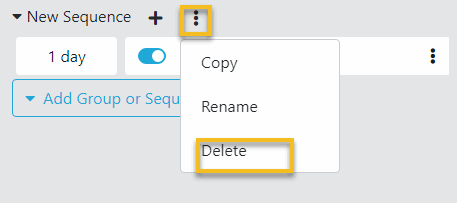
In the Conversation page, click the 3 dots button on the Sequence to delete.
Click Delete. Then click OK to remove this conversation.
Rename a Sequence
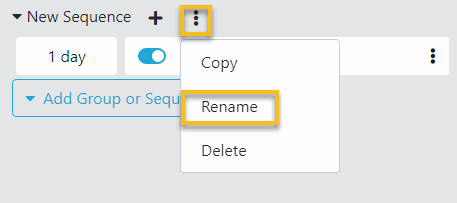
In the Conversation page, click the 3 dots button on the Conversation to rename.
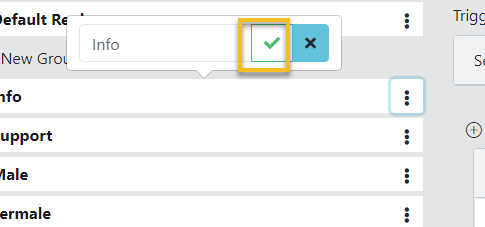
Click Rename. Set the new name to the Conversation and click Check button.
Subscribe a Customer to a Sequence
Open a Bot Dashboard.
Click Audience from the left menu.
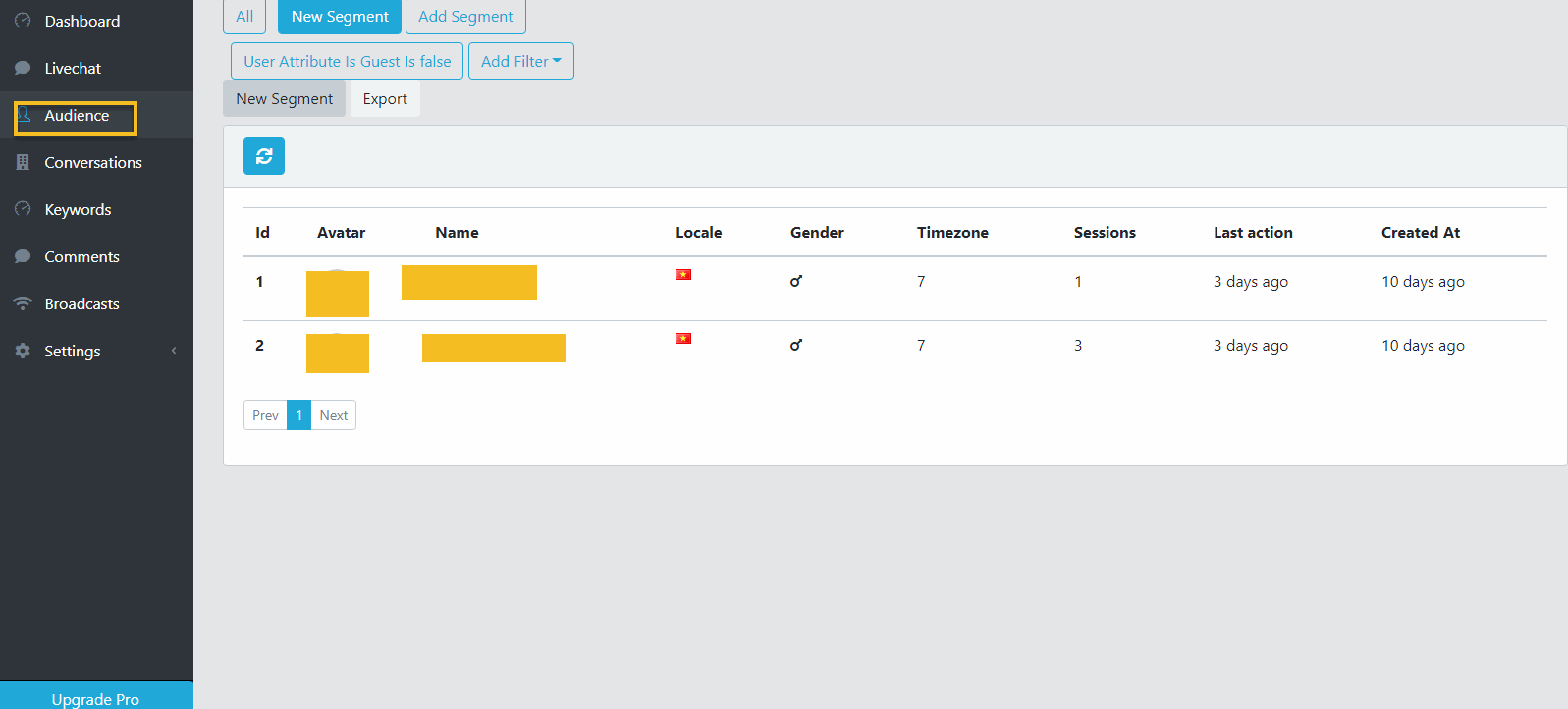
Click on the relevant subscriber.
Next, in the Subscriber Info Dialog, click Subscribe.
Select a Sequence to add subscriber to.