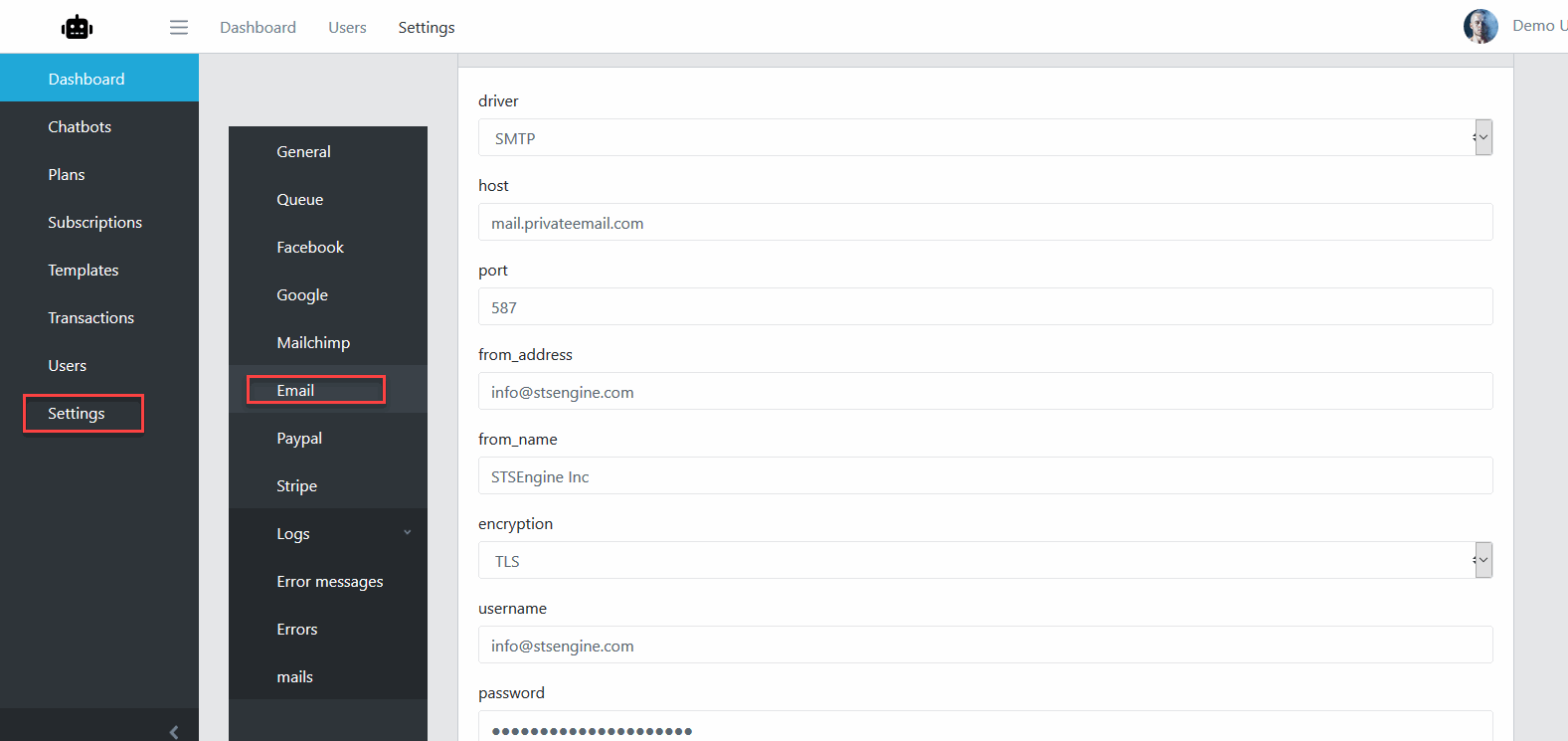
Email
Mailgun
Register an account with Mailgun
Step 1: Add A Domain in Mailgun
From within your Mailgun account, click “Add New Domain.”
Enter your Domain name (Mailgun Suggests utilizing a subdomain such as mg.yourdomain.com).
Open your DNS Zone Editor.
Create a TXT record for your SPF settings.
Copy your hostname without your domain and paste it into the Name input.
Copy your SPF record and paste it into the Value input.
Press Save.
Create a TXT record for your DKIM settings.
Copy your hostname without your domain and paste it into the Name input.
Press Save.
Step 2: Add Your MX Records
Create Two MX Records.
Enter mg into the name input.
Enter mxa.mailgun.org into the first MX record Value input.
Enter mxb.mailgun.org into the second MX record Value input.
Press Save.
Create a CNAME.
Enter email.mg into the Name input.
Enter mailgun.org into the Value Input.
Press Save.
Back in Mailgun, Verify your DNS records.